⚠️ HoneyTokens
⚠️ Unpublished: This item is from a solution that is not yet published on Azure Marketplace or not installed in Content Hub.
Browse: 🏠 · Solutions · Connectors · Methods · Tables · Content · Parsers · ASIM Parsers · ASIM Products · Logic Apps · 📊
| Attribute | Value |
|---|---|
| Publisher | |
| Support Tier | |
| Solution Folder | HoneyTokens |
Data Connectors
This solution does not include data connectors.
This solution may contain other components such as analytics rules, workbooks, hunting queries, or playbooks.
Additional Documentation
📄 Source: HoneyTokens/README.md
For more details:
Blog post: https://aka.ms/honeytokensblog
IMPORTANT
The Microsoft Sentinel Deception (Honey Tokens) solution is offered in a community supported model by the Microsoft SIEM & XDR Community. Any support required can be raised as an issue on GitHub where the Microsoft Sentinel community can assist.
This article describes how to use the Microsoft Sentinel Deception (Honey Tokens) solution to plant decoy Azure Key Vault keys and secrets, called honeytokens, into existing workloads.
Use the analytics rules, watchlists, and workbooks provided by the solution to monitor access to the deployed honeytokens.
When using honeytokens in your system, detection principles remains the same. Because there is no legitimate reason to access a honeytoken, any activity will indicate the presence of a user who is not familiar with the environment, and could potentially be an attacker.
Before you begin
In order to start using the Microsoft Sentinel Deception (Honey Tokens) solution, make sure that you have:
Required roles: You must be a tenant admin to install the Microsoft Sentinel Deception (Honey Tokens) solution. Once the solution is installed, you can share the workbook with key vault owners so that they can deploy their own honeytokens.
Required data connectors: Make sure that you've deployed the Azure Key Vault and the Azure Activity data connectors in your workspace, and that they're connected.
Verify that data routing succeeded and that the KeyVault and AzureActivity data is flowing into Microsoft Sentinel. For more information, see:
Install the solution
Install the Microsoft Sentinel Deception (Honey Tokens) solution as you would other solutions. On the Microsoft Sentinel Deception solution page, select Start to get started.
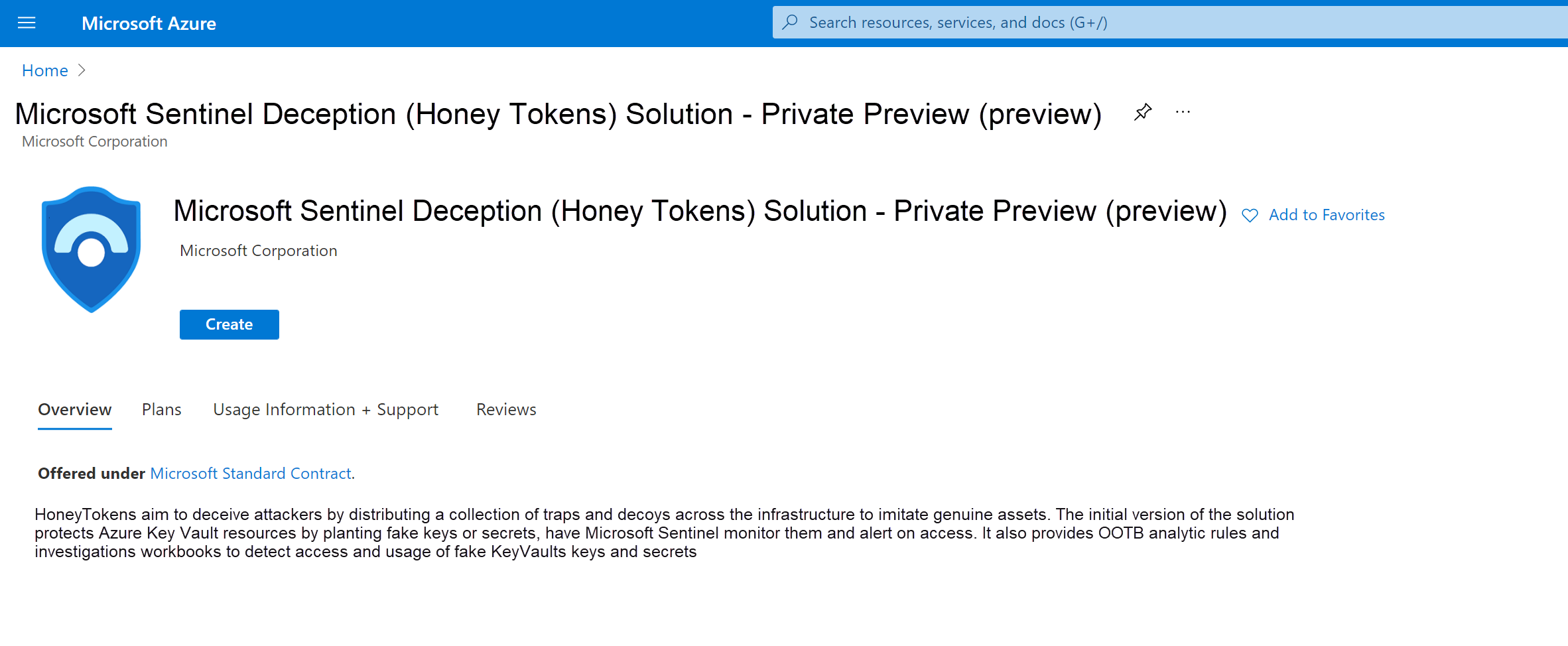
To install the Deception solution:
The following steps describe specific actions required for the Microsoft Sentinel Deception (Honey Tokens) solution.
- On the Basics tab, select the same resource group where your Microsoft Sentinel workspace is located.
[Content truncated...]
Browse: 🏠 · Solutions · Connectors · Methods · Tables · Content · Parsers · ASIM Parsers · ASIM Products · Logic Apps · 📊